Knife Hit Emoji
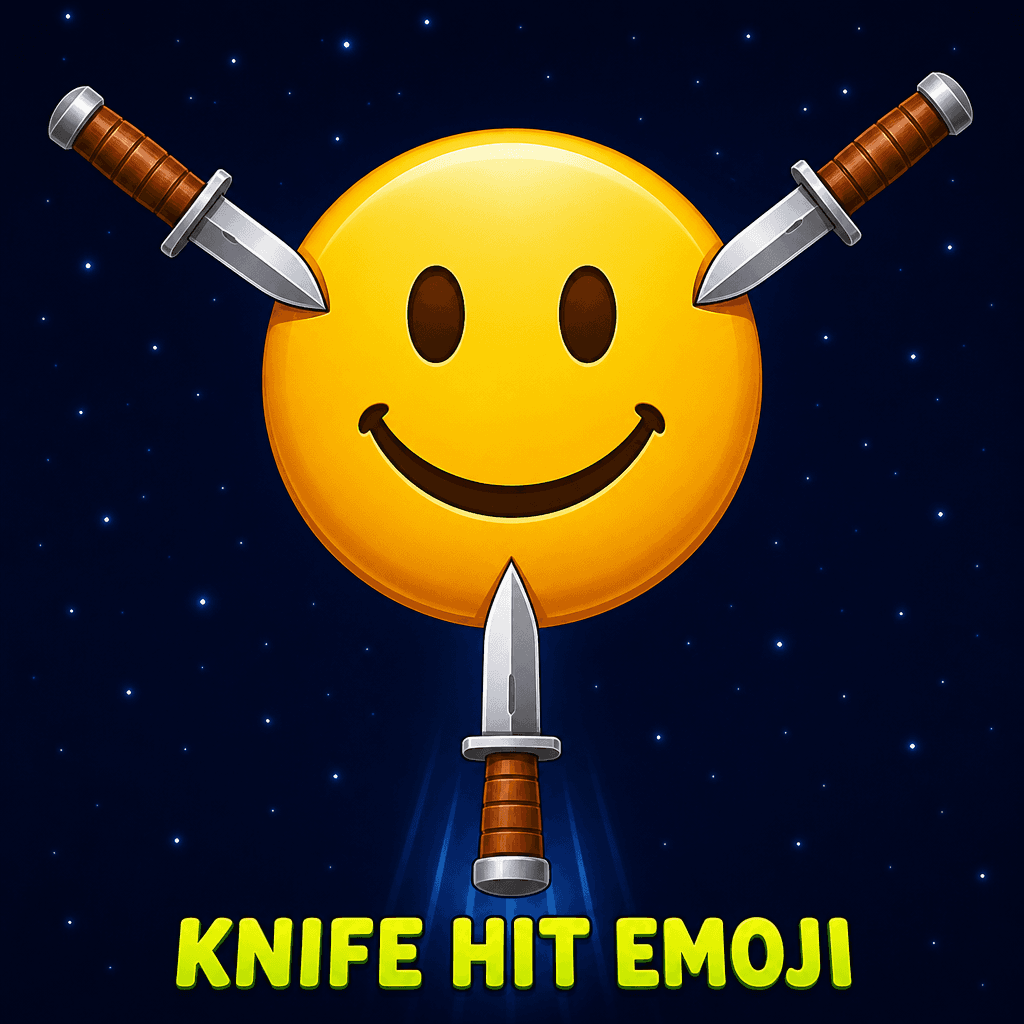
Stick every remaining knife into a spinning emoji without hitting a blade already there. Burst the face to clear.
About Knife Hit Emoji
Knife Hit Emoji is a portrait knife-throwing arcade — tap to send every knife into a spinning emoji, and do not hit a blade that is already stuck.
Each level needs more knives. The emoji can speed up, reverse, and later bob up and down, so you have to read the spin before you throw.
Burst the emoji to clear the stage. Miss and you lose a heart. Beat emoji 3 and emoji 6 to earn extra lives, then chase a new best burst saved in your browser.
Knife Hit Emoji is a portrait thrower. Tap to stick knives into a spinning emoji without hitting a knife that is already there. Later emojis speed up, reverse, and bob.
Burst the emoji to clear the stage. Misses cost hearts. Beating emoji 3 and 6 grants extra lives. Best burst saves in the browser.
What you do in Knife Hit Emoji
Objective. Stick every remaining knife into a spinning emoji without hitting a blade already there. Burst the face to clear.
Tap, click, or press Space/Enter to throw straight up. Later faces speed up, reverse, and bob. Extra lives at emoji 3 and 6.
Misses cost hearts. Best burst saves locally. Sound mute is on-screen.
How to play Knife Hit Emoji
Tap, click, or use Space/Enter to throw straight up. Read the spin, throw into a gap, repeat until the quota for that emoji is done.
When the target reverses, wait a beat. Throwing on a direction change is how you hit your own blades.
Sound mute is on-screen. After a fail, the next attempt is immediate — the pattern is still in muscle memory.
Controls
Tap or click anywhere to throw a knife straight up. Stick all remaining knives into the emoji without hitting stuck blades. Space or Enter also throws on desktop. Use the sound button to mute.
Click, Space, or Enter. Watch a full rotation before the first throw on a new stage.
On a phone or tablet: Tap anywhere to throw. Portrait.
What makes Knife Hit Emoji different
- Stuck blades are the fail, not a timer
- Reverse and bob change the throw, not just spin speed
- Emoji 3 and 6 are the extra-life checkpoints
Tips
- Throw when a gap is rotating toward the knife line, not when it is already passing.
- On reverse stages, count a rhythm. Panic taps cluster knives on top of each other.
- Bobbing emojis change throw timing more than spin speed. Watch vertical motion too.
- Extra lives from emoji 3 and 6 are checkpoints in the climb — play a little safer into those bursts.
Strategy
- Watch a full rotation before the first throw on a new face. Reverse and bob change the gap.
- Stuck blades are the fail. Extra lives arrive at emoji 3 and 6.
- Throw into a gap you can still see. Filling a cluster because it ‘looked empty a second ago’ is a miss.
Difficulty and devices
Difficulty. Medium
Best suited device. Portrait phone
Mobile. Tap anywhere to throw. Portrait.
Desktop. Click, Space, or Enter. Watch a full rotation before the first throw on a new stage.
Who should play
Rhythm-and-arcade fans who like knife-hit games. One-tap, portrait, good for short sessions.
Game details
- Title
- Knife Hit Emoji
- Category
- Action
- Tags
- Arcade Game, Skill Game, Reflex Game, Action Game
- Objective
- Stick every remaining knife into a spinning emoji without hitting a blade already there. Burst the face to clear.
- Difficulty
- Medium
- Layout
- Portrait
- Best on
- Portrait phone
- Phone
- Tap anywhere to throw. Portrait.
- Desktop
- Click, Space, or Enter. Watch a full rotation before the first throw on a new stage.
- Hosted by
- Pokii Games
- Account
- Not required
- Download
- Not required
- Price
- Free
Pokii Games hosts this HTML5 build. We did not claim to author the sprites or engine — we package, test, and explain it.
FAQ
How do I throw a knife?
Tap or click anywhere, or press Space or Enter on desktop. Stick every remaining knife without hitting blades already in the emoji.
How do I get extra lives?
Burst emoji 3 and emoji 6 to earn extra lives. A miss still costs a heart.
Guides that mention this game
- Knife Hit Emoji, Crane Stack, and Orb Volley: tap games that punish panic — Three portrait score toys on Pokii Games that look like “tap anywhere.” They fail for different reasons. Read the spin, the swing, or the next row before you tap.
- The first five games to try on Pokii Games (and why that order) — A starter path through the Pokii Games catalog: one sports toy, one puzzle, one physics racer, one two-player match, and one score chase — chosen from the live library, not a generic top-10.
- How high scores work on Pokii Games (and why a restart is a feature) — Best scores, stars, and trophies on this site live in your browser. There is no global leaderboard we can restore. Here is how to chase a number without fighting the wrong fail state.